 MCPlator
About MCPlator
A retro calculator.
An AI co-pilot.
MCPlator is a free online calculator that pairs the familiar feel of a pocket calculator with natural language. Tap the keys yourself, or tell the AI what to calculate and watch it press the buttons.
Try the AI calculatorIn your browser. No account needed.
01 / How it works
Use the keys. Or use your words.
For a quick sum, use the on-screen keypad just as you would a desk calculator. It supports addition, subtraction, multiplication, division, decimals, percentages, square roots, and memory functions.
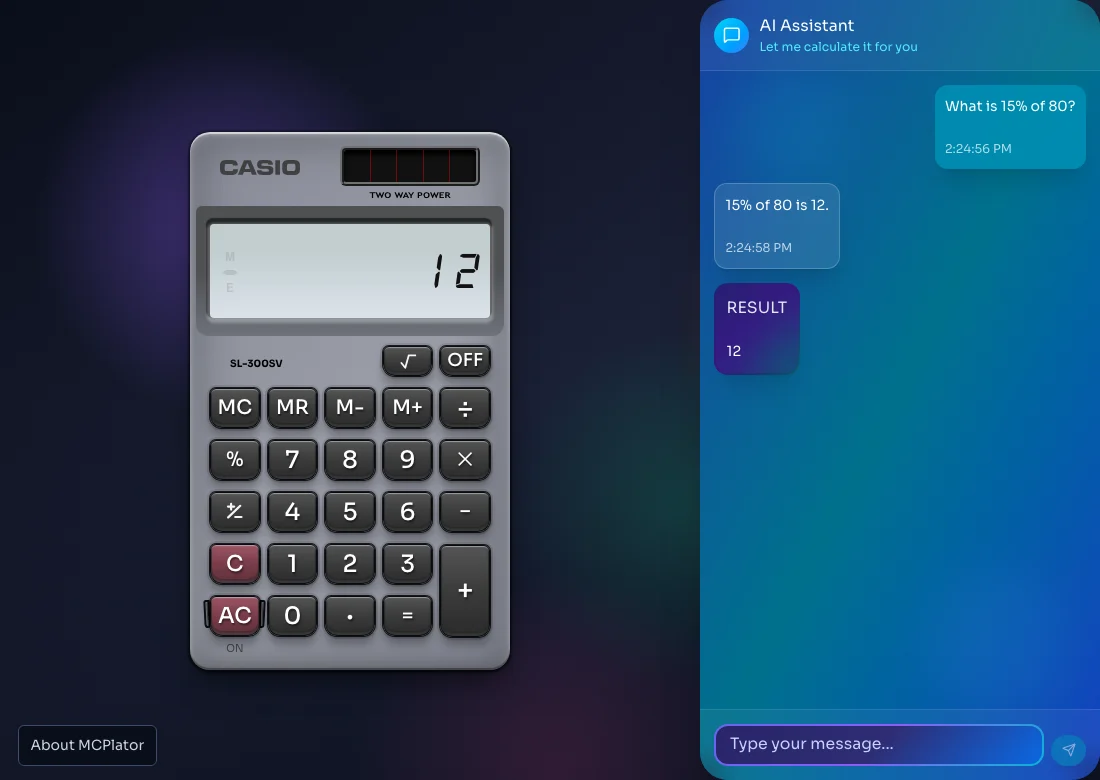
For a natural language calculation, open the chat and type a request such as “add 2 plus one hundred.” The AI assistant, powered by Claude, turns your request into a sequence of calculator keys. MCPlator animates those presses, computes the result in the browser, and shows a short explanation in the chat.
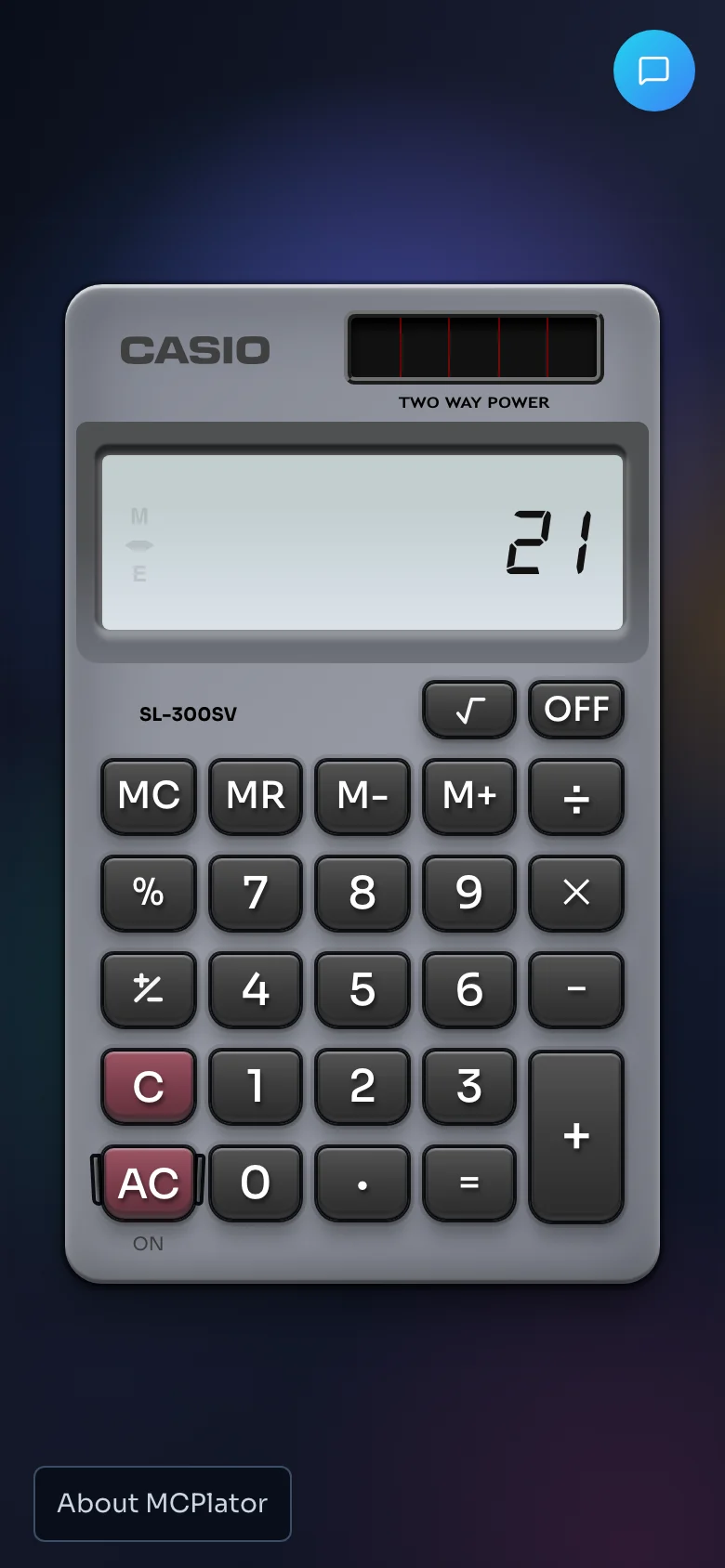
On a phone, tap the chat icon to open the assistant. On a desktop, the chat sits beside the calculator so you can follow both at once.
02 / Everyday math
A few things to ask your AI calculator.
Try these prompts in the calculator’s chat, or work them out with the keypad.
| What you need | What to ask | Result |
|---|---|---|
| Find a percentage | “What is 15% of 80?” | 12 |
| Split a bill | “Divide 84 by 4.” | 21 |
| Calculate a discount | “Take 20% off 150.” | 120 |
| Find a square root | “Square root of 144.” | 12 |
“Take 20% off 150.”
The assistant enters the amount, subtracts the percentage, and presses equals. You can watch the display change as it goes.
150 − 20% = 120
03 / Beyond the answer
Keep a number. Share the steps.
Familiar calculator memory
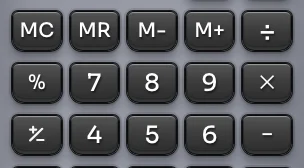
Use M+ to add a value to memory, M− to subtract, MR to recall it, and MC to clear it. C clears the current entry; AC clears both the calculation and memory. Calculator state and chat history are saved in this browser so you can return to them later.
Let Me Calculate It For You
LMCIFY is MCPlator’s way to share a calculation. Use the share action on a chat message to create a link. When someone opens it, the prompt types itself into the chat and the AI runs the calculation. The link carries the prompt, so a replay makes a new AI request rather than showing a saved answer.
04 / Good to know
About the calculator.
Is MCPlator free to use?
Yes. You can use the online calculator without creating an account. AI chat has a daily usage limit; the app will tell you when you reach it. The manual keypad remains available.
Is this a scientific calculator?
MCPlator is built for everyday arithmetic, percentages, square roots, and memory operations. Its keypad does not include graphing, trigonometry, or symbolic algebra.
Does the AI calculate the answer itself?
The AI chooses which keys to press, and MCPlator’s calculator engine performs the operations. The AI can misunderstand a request, so follow the visible steps and check that they match what you meant.
Where do my calculations go?
Manual calculations run in your browser. Chat requests are sent to the app’s server and Claude to generate a response. Calculator state and chat history are stored in this browser, and a shared LMCIFY link includes the prompt you chose to share.
05 / The project
Old-school buttons.
A new way to use them.
MCPlator is an open-source project by Evgeny Vinnik, released under the MIT license. Its Casio-style interface builds on keremciu’s retro calculator design, pairing an LCD display and tactile-looking keys with an AI chat assistant.
Explore the source on GitHub